
Workflows that move across your systems on their own
AI workflow automation joins your inbox, CRM, ERP, accounting and spreadsheets into one flow: AI reads and decides where rules can’t, and a person approves where the stakes are high.
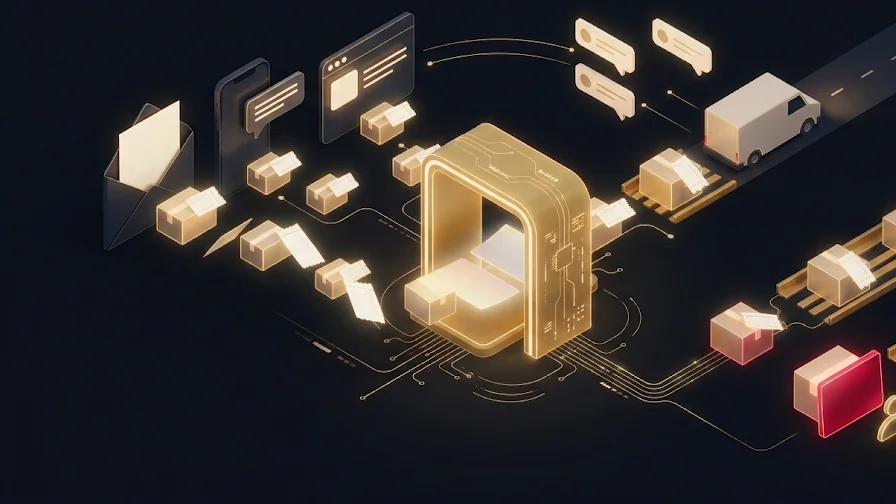
Five building blocks
Almost every workflow I build is a combination of these steps. AI only appears where plain rules can’t do the job.
Trigger
An email arrives, a form is submitted, a record changes or a schedule fires.
Understand
AI reads unstructured input such as invoices, emails or chats and turns it into clean fields.
Decide
Business rules, with AI classification for fuzzy cases, choose the next step.
Act
Records are created or updated in your systems; messages and documents are sent.
Check
Low-confidence or high-value items go to a person; everything is logged.
One layer, all your tools
The workflow sits between the systems you already run. Nobody has to learn new software to benefit from it.
Workflows businesses ask for
Order to dispatch
Orders from WhatsApp, email and web are read, validated against stock, entered once and routed to dispatch with customer updates.
Enquiry to proposal
An enquiry is qualified, logged in the CRM, assigned, and a first proposal draft is prepared for review.
Document to decision
Applications, claims or onboarding documents are checked for completeness, with missing items requested automatically.
Data to report
Figures are pulled from several systems on a schedule, checked, summarised and sent to managers or clients.
Which tool for which job
Workflow platforms
n8n, Make or Zapier for simple, well-structured steps between popular apps. Fast to build and cheap to change. Which one to choose.
Custom code
For complex logic, high volume, systems without good connectors, or data that must stay on your servers.
AI models
For reading documents, classifying requests and drafting text. Chosen for accuracy, cost and where your data may be processed.
I’m not tied to any vendor. The stack is chosen in the assessment based on your systems, volumes and budget.
Workflow questions
What’s the difference between workflow automation and RPA?
RPA clicks through screens like a person would; workflow automation connects systems directly through APIs and data. I use direct integration wherever possible because it breaks less, and screen automation only when there’s no other way in.
What happens when a workflow fails?
Failures raise an alert, the item is parked in a queue with its context, and nothing is half-processed silently.
Can we change the workflow later?
Yes. You get documentation and full access, and changes can be made by me on a retainer or by your own team.